FAQ pages that answer the questions costing you sales
October 13, 2026 · Winning Customers · David Semones
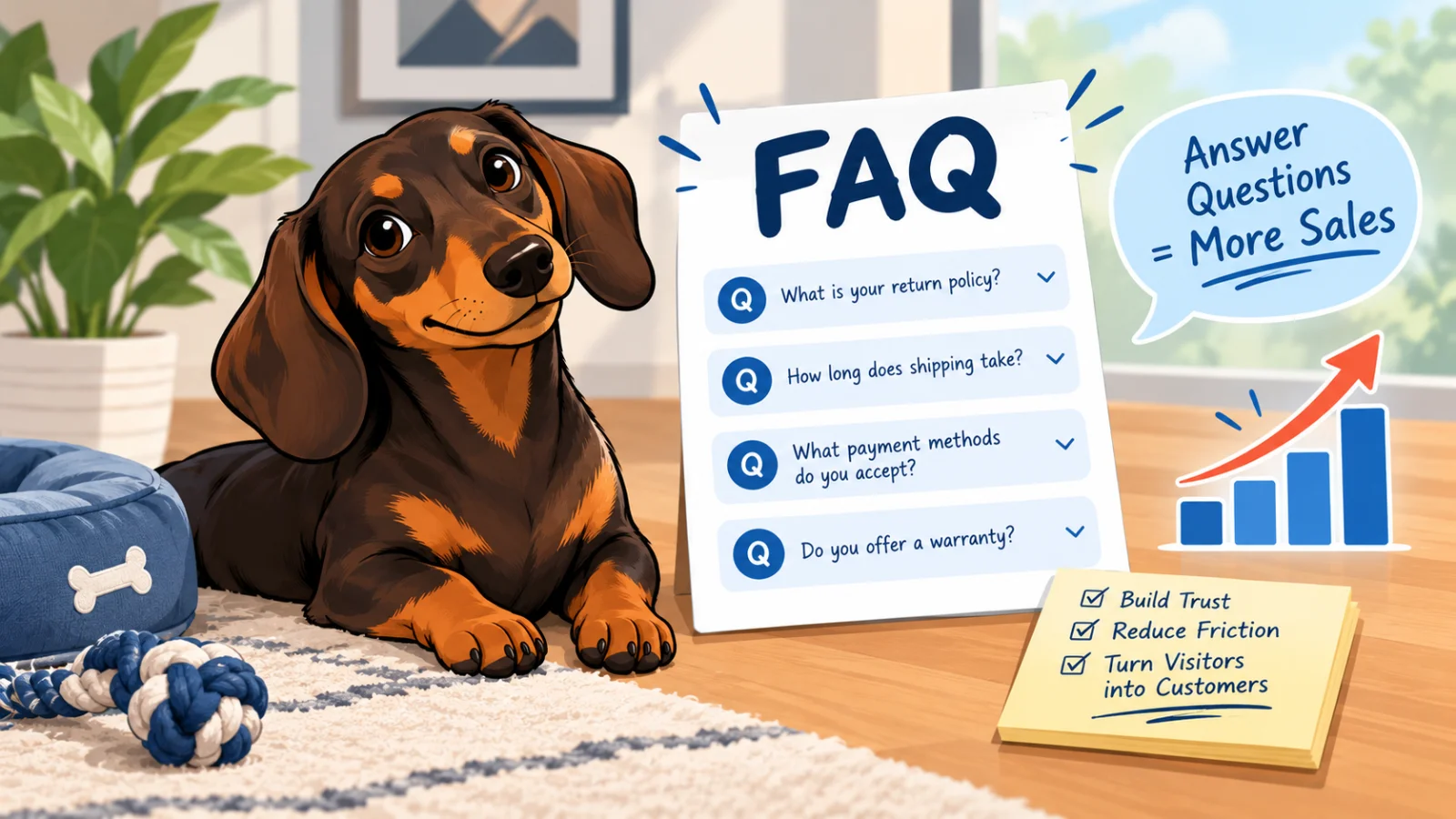
A FAQ page earns its keep when it answers the questions people ask just before they decide whether to buy: what does it cost, how long will it take, can I trust you, will it work for me, and what happens next. If those answers are missing or vague, visitors don't send an email to ask. They leave. This post shows you how to find those questions, how to answer them, and how to set the page up so both people and search tools can use it.
How do you find the questions that are costing you sales?
Don't guess, and don't write the questions you wish people asked. Collect the ones they actually do. Good sources are all things you already have:
- Your inbox and messages. Search for words like "how much," "do you," "can I," and "before I order." Anything that shows up three or more times belongs on the page.
- Phone calls and in-person chats. Keep a note by the phone for a week and tally what people ask.
- Objections right before a no. If someone says "I'll think about it," ask what they're still unsure about. That answer is gold.
- Search suggestions. Type your service into Google and look at the "People also ask" box. Those are real questions from real searchers.
You're looking for hesitation, not curiosity. "What's your company history?" rarely costs a sale. "Do you charge extra for weekend delivery?" often does.
Which questions cost the most sales?
For most small businesses, the same five themes come up again and again. Cover each one directly.
Price
People hate hunting for cost. If you can state a price or a range, do it. If every job is different, say what changes the price and give a typical starting point. A visitor who sees nothing assumes the worst. If you sell a plan or package, point to a page that spells it out, like our pricing page does for SimplePath plans.
Timing
"How long until I get it?" applies to shipping, project work, and bookings alike. Give a real number of days or weeks, and say what could slow it down.
Trust and risk
Returns, refunds, cancellations, guarantees you actually offer, and what happens if something goes wrong. Only promise what you really do. A plain, honest policy beats a glossy one.
Fit
"Is this right for someone like me?" Say who it suits and, just as usefully, who it doesn't. Telling someone "this probably isn't for you" builds more trust than any slogan.
Next steps
"What happens after I click buy or send a message?" Walk through it in three or four steps. Uncertainty about the process stops more people than the price does.
How should you write each answer?
Lead with the answer, then explain. The first sentence should work on its own if someone copied it somewhere else. That matters more than it used to, because AI assistants and search engines often lift a single answer from a page and quote it. If your answer starts with three sentences of warm-up, it gets skipped.
Compare these two:
"We pride ourselves on fast service and flexible options for every customer."
"Most orders ship within two business days. Custom orders take about a week longer."
The second one answers. The first one says nothing (and swap in your own real numbers, never ones you can't stand behind).
A few habits make answers stronger:
- Use the customer's words. If people write "Do you do rush jobs?" use that exact phrasing as the question, not "Expedited service availability."
- Keep each answer short. Two to four sentences is usually right. If it needs more, link to a fuller page.
- Include the number, date, or condition. "It depends" is not an answer. "Under $50 ships free; over that, we charge by weight" is.
- End with a way forward. Where it fits, link to the next page, such as what SimplePath can build, or invite them to ask. Don't force it into every answer.
How do you set the page up so it gets found?
Search engines and AI tools read your page as text. You don't need to know code to help them. Put each question in its own heading, write the answer directly underneath, and group related questions under clear section titles like "Pricing," "Shipping," and "Getting started." That simple structure is what lets a tool match your answer to someone's question.
Also put your most important answers where the question comes up, not only on the FAQ page. A short pricing question on your pricing page and a delivery note near the buy button catch people at the moment of doubt. The FAQ page then acts as the full reference. You can see this approach in action on the SimplePath FAQ.
If you're building or rebuilding your site, SimplePath lets you describe the site you want in plain language, including a FAQ section, and it builds from there. Not sure how your current site stacks up? The free website grader scores it in a few minutes.
Your next step
Set aside thirty minutes this week. Pull out the last ten questions customers asked you, write a two-to-four-sentence answer to each, and publish them. Then add one new question every time a customer asks something you haven't covered. If you'd like help getting a page like this live, get in touch and we'll point you in the right direction.
Drafted with SimplePath's own AI blog, then updated and published by David before it went up. It's the same tool included with the Grow plan. See how it works.