DNS settings and what they actually control
October 16, 2026 · Getting Online · David Semones
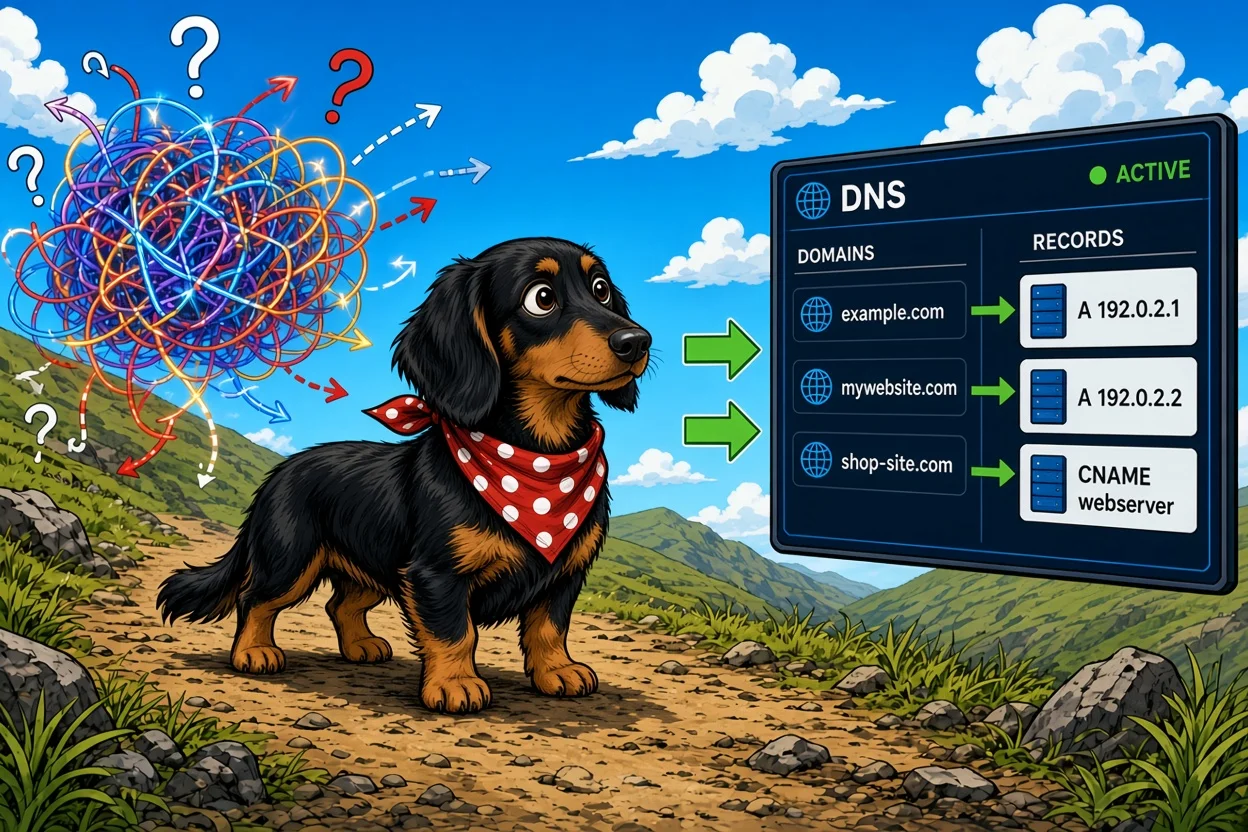
DNS settings control where your domain name sends people and messages: which server shows your website, which service receives your email, and which companies are allowed to prove they speak for you. Your domain is the name. DNS is the list of instructions attached to it.
If that sounds abstract, think of a phone book. Someone types your domain into a browser, and the internet looks up the entry for it to find out where to go. Each line in that entry is called a record, and each record type does one job. Once you know the five common ones, the settings screen at your domain registrar stops looking like a wall of jargon.
What each DNS record type controls
Here are the ones you'll actually run into:
- A record: Points your domain to a server's numeric address (an IP address). This is the most direct way of saying "my website lives here."
- CNAME record: An alias. Instead of a number, it points one name to another name. A common example is making www.yourdomain.com follow wherever your main site goes.
- MX record: Controls where your email is delivered. If you use a business email service, the MX records are what route incoming messages to it.
- TXT record: A short note attached to your domain. Services use these to confirm you own the domain, and email systems use them to check that a message claiming to come from you really did. Those checks go by names like SPF, DKIM and DMARC.
- NS record (nameservers): Says which company's DNS servers are in charge of all the other records. It's the setting above all the others.
So the short version: A and CNAME records run your website, MX records run your email, TXT records handle proof and trust, and NS records decide who holds the whole list.
Which settings are safe to change, and which can break things
This is where people get caught. The rule for deciding is simple: change the smallest thing that does the job.
- If you're pointing your domain at a new website, you usually only need to edit the A record and the www CNAME. Your email keeps working because you haven't touched the MX records.
- If you're asked to change your nameservers, understand that you're moving the entire list to a new company. Every record that existed before (email, verification, everything) has to be recreated there, or it stops working.
- If a service asks you to add a TXT record, add it alongside the others. Don't replace what's there unless the instructions say so.
- If you see records you don't recognize, leave them. They're often tied to email or a tool somebody set up years ago.
The most common accident is a website switch that quietly kills email. Someone changes nameservers, the new list has no MX records, and messages start bouncing. Before you change anything, take a screenshot or copy out every existing record. If something breaks, you'll have a record of how it used to look.
Why changes aren't instant
You edit a record, refresh your site, and nothing happens. That's normal. Every DNS record carries a setting called TTL (time to live), which tells other computers how long they may remember the old answer before asking again. Until that time runs out, some visitors still get sent to the old place.
In practice, many changes show up within an hour, and some take a day or two to reach everyone. This is often called propagation. If you know a move is coming, you can lower the TTL a day ahead so the switch spreads faster. Then you can raise it again afterward.
While you wait, resist the urge to keep changing things. Editing a record again mid-wait just makes it harder to tell what's working. Check from your phone on mobile data, or ask a friend to load the site, since your own device may be remembering the old answer.
How this fits with building a site
If you've never touched DNS, you may not need to much. A website builder like SimplePath, where you describe the site you want and it builds it, is designed to keep the technical side manageable. DNS only really comes into play when you want your own domain name on the site. If you're deciding what you want to build first, what SimplePath can build covers sites, stores, blogs and member areas. For questions about connecting a domain, the frequently asked questions are a good first stop.
Your next step
Open your domain registrar, find the DNS settings page, and just look. Identify which record is your A record, which are MX, and which are TXT, using the list above. Copy them somewhere safe. That alone puts you ahead of most people, because you'll know what's there before anyone asks you to change it. If you're stuck on a specific setup, get in touch with us and we'll point you in the right direction.
Drafted with SimplePath's own AI blog, then updated and published by David before it went up. It's the same tool included with the Grow plan. See how it works.