Local SEO mistakes that hurt your visibility
October 17, 2026 · Getting Found · David Semones
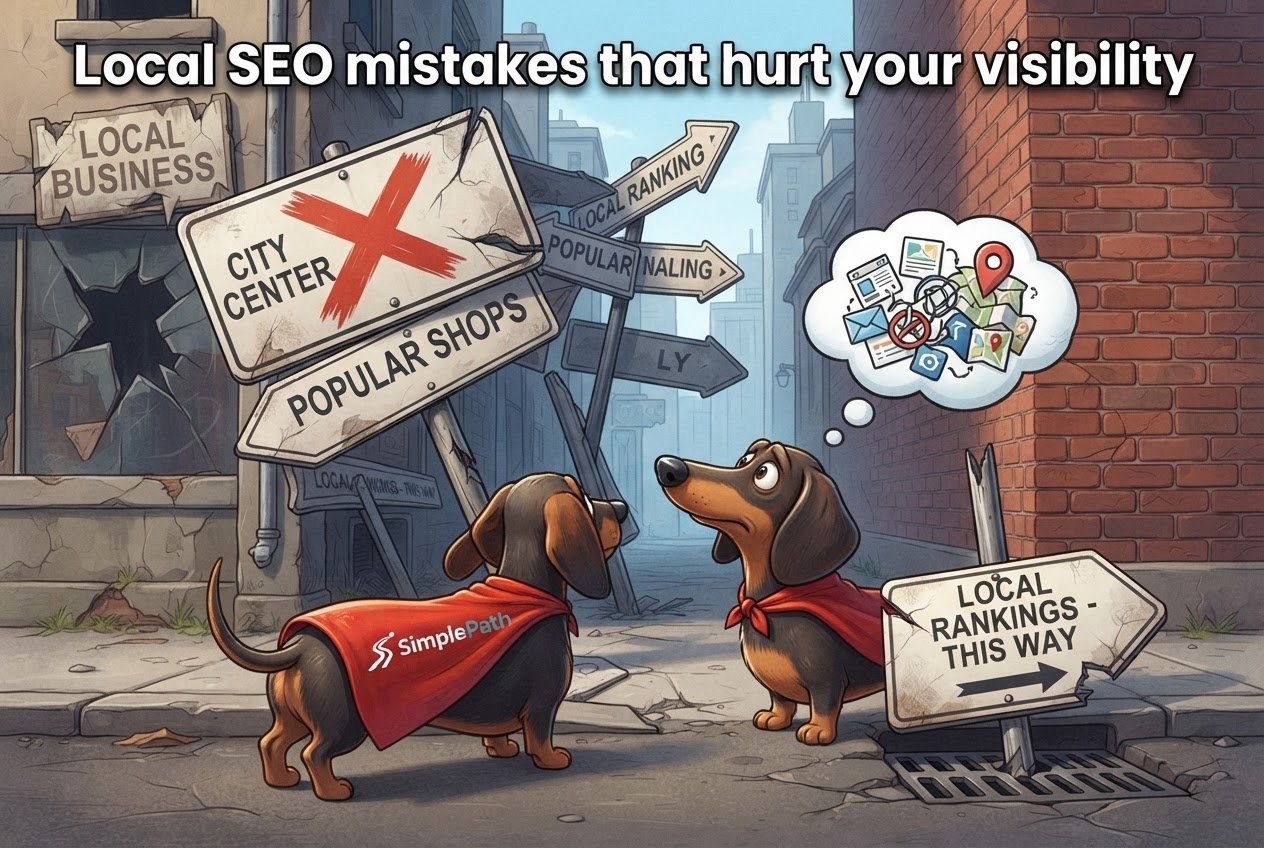
The local SEO mistakes that hurt your visibility most are an unclaimed or half-filled Google Business Profile, contact details that don't match across the web, a website that never says where you work, and reviews or phone visitors that get ignored. Fix those four and you've dealt with most of what keeps nearby customers from finding you.
A quick definition first. SEO (search engine optimization) is the work of helping Google understand your business so it can show you to the right people. Local SEO is the same thing for searches with a place attached, like "florist near me" or "accountant in Denver." You don't need to know any code to get it right. Most of it is careful housekeeping.
Mistake 1: Leaving your Google Business Profile unclaimed or half done
Your Google Business Profile is the free listing that shows up in Google Search and Google Maps with your hours, phone number, photos, and reviews. For many local searches it's the first thing people see, ahead of your website. If you haven't claimed it, or you filled in half of it years ago, you're handing that space to competitors.
Here's what to check:
- Claim it. Search for your business name on Google and look for an option to claim or manage the listing.
- Pick the right main category. This is the label that tells Google what you are, such as "Italian restaurant" or "electrician." A vague or wrong category is one of the most common reasons a business doesn't appear for the searches it wants.
- Keep hours current. Holiday hours especially. Wrong hours send customers to a locked door and to a competitor.
- Add real photos. Your shopfront, your team, your work. Stock images don't help anyone trust you.
Mistake 2: Contact details that don't match everywhere
Google double-checks your business by comparing what different websites say about it. Your name, address, and phone number (people in the trade call this NAP) should be written the same way on your website, your Google profile, your social pages, and any directories you're listed in.
The mismatches that cause trouble are usually small: "Main St." in one place and "Main Street" in another, an old phone number on a directory you forgot about, or a suite number that appears on some listings and not others. Individually they look harmless. Together they make Google less sure which details are correct, and less willing to show you.
The fix is dull but works. Write your name, address, and phone number once in a note, exactly as you want them. Then search for your business and update every listing you find to match, starting with the ones that look outdated.
Mistake 3: A website that never says where you work
This one surprises people. A site can look great and still give Google no clue about your location. If your pages talk about "quality service" but never name your town, neighborhood, or the areas you cover, search engines have little to go on.
Do these things instead:
- Put your city or area in your homepage headline or first paragraph, in a natural sentence like "We repair bikes in Portland's Hawthorne district."
- Show your full address and phone number in the footer of every page, as plain text people can read and tap.
- If you serve several towns, list them on a page of their own, and say something real about each one.
That last point is where people overdo it. Copying the same page fifty times and swapping the town name, or cramming "best plumber Austin cheap plumber Austin" into every sentence, tends to hurt more than help. One honest page per area you truly serve beats a pile of near-identical ones.
Not sure where your own site stands? SimplePath's free website grader scores an existing site, so you can see what's missing before you change anything.
Mistake 4: Ignoring reviews and mobile visitors
Reviews are a big part of how people choose, and Google pays attention to them too. The mistakes here are simple: never asking for reviews, and never answering the ones you get. Ask happy customers directly, right after a good job, and send them a link to your Google profile. Reply to every review, including the bad ones, politely and briefly. A calm reply to a complaint tells future customers more about you than the complaint does.
Then there's your phone experience. Most local searches happen on a phone, often by someone who needs something soon. If your site loads slowly, has tiny text, or makes people pinch and zoom to find your number, they'll leave. Make sure your phone number is a tappable link and your hours and address are visible without scrolling around.
Your next step
Start with an hour this week: claim or tidy your Google Business Profile, then make your name, address, and phone number match everywhere. After that, look at your website with a visitor's eyes and ask whether it says clearly what you do and where.
If the site itself is the problem, SimplePath is an AI-led website builder where you describe what you want and it builds the site for you. You can see what SimplePath can build, from business sites to stores and blogs. And if you'd like to talk it through, get in touch and we'll help.
Drafted with SimplePath's own AI blog, then updated and published by David before it went up. It's the same tool included with the Grow plan. See how it works.