The three files you should never delete from your website
October 18, 2026 · Running Your Site · David Semones
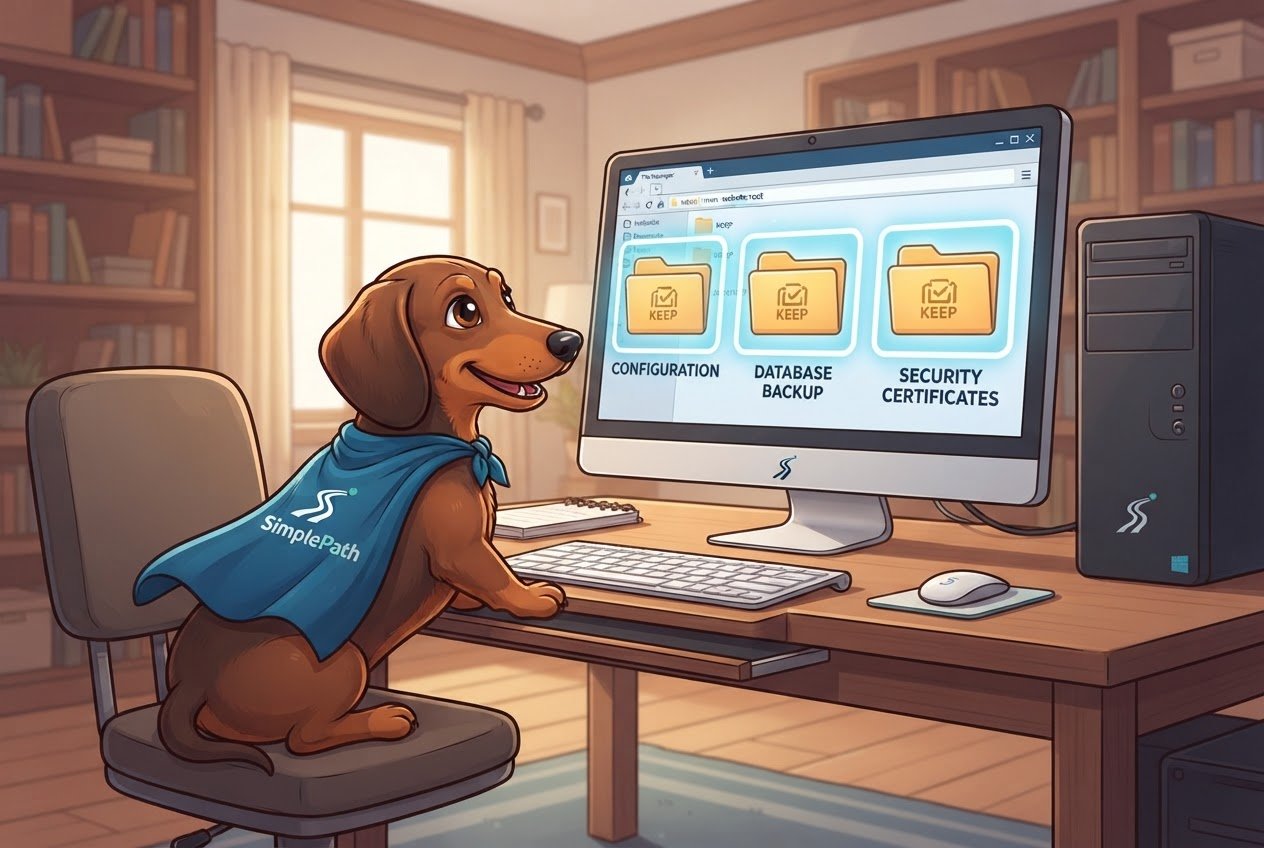
The three files you should never delete from your website are your homepage file (usually called index.html), robots.txt, and sitemap.xml. The first one keeps your site loading at all. The other two tell Google and other search engines what's on your site and how to read it. Lose them and your site may not break outright, but people will have a much harder time finding it.
If you've never opened your site's files, that's fine. You don't need to know how to code. You just need to know these three exist, what they do, and how to check they're still there.
1. The homepage file (index.html)
When someone types your web address into a browser, your web host looks for one specific file to show them first. That file is almost always named index.html. Some sites use a similar name, such as index.php, but the idea is the same. It's your front door.
Delete it and visitors usually get an error page, or sometimes a plain list of the other files in your site's folder. Neither looks like a real business. Because it's the page most links to you point to, losing it also hurts every search result that sends people to your homepage.
The rule: if a file is named index with an ending like .html or .php, and it sits at the very top level of your site's folder, don't touch it. Edit your homepage through your site editor if you want to change it, rather than deleting and replacing files by hand.
2. robots.txt: instructions for search engines
Search engines send automated visitors, often called crawlers or bots, to read your site. robots.txt is a small text file that greets them and tells them which parts of your site to skip, such as a login page or a private folder. It can also point them to your sitemap, which is the next file on this list.
Here's the part people get wrong. If robots.txt is missing, search engines don't refuse to list you. They assume everything is open. So deleting it isn't a disaster on day one. What you lose is control: you can no longer keep crawlers out of pages you'd rather not have showing up in search results, and you lose the easy pointer to your sitemap.
Also watch for the opposite problem. A robots.txt containing the line Disallow: / tells search engines to ignore your entire site. This is sometimes left switched on from when a site was being built. If your site isn't showing up in Google and you recently launched, this is one of the first things to check.
To see yours, type your address followed by /robots.txt into your browser, for example yourwebsite.com/robots.txt. If you see a few short lines of text, it's there. If you get a "not found" page, it's missing.
3. sitemap.xml: your site's table of contents
A sitemap is a list of every page you want search engines to know about. The file is usually called sitemap.xml. Think of it as handing a librarian a complete catalogue instead of making them wander the shelves.
Search engines can still find pages by following links without it. But new pages, pages buried several clicks deep, and pages with few links pointing at them tend to get discovered slower, or get missed. For a small business adding a new service page or blog post, the sitemap is what helps that page get noticed sooner.
Check it the same way: add /sitemap.xml to your address. You'll see a long list of your page addresses, which looks dull but is exactly what it should look like. Some sites use a slightly different name, so if you get an error, look at your robots.txt, which often lists where the sitemap lives.
What if you built your site with a website builder?
Many website builders create and update these files for you, which is one reason people choose them. That's also why you may never have seen them. It still pays to check, because a file you didn't make is easy to forget and easy to delete by accident when tidying up.
If you built or plan to build with SimplePath, where you describe the site you want and it builds it, the practical step is the same: type the three addresses above into your browser and confirm each one shows something. If one doesn't, the frequently asked questions are a good first stop, and you can always get in touch with a specific question about your site.
A quick checklist before you delete anything
- Don't delete a file you don't recognise. Odd names often belong to something your site needs.
- Check the three addresses (your homepage, /robots.txt, /sitemap.xml) once every few months.
- Keep a backup copy before any cleanup, so a mistake is a two-minute fix rather than a lost week.
- Re-check after any big change, like moving to a new host or redesigning the site, since files can get left behind.
Next step
Take two minutes now and visit your own /robots.txt and /sitemap.xml. If you'd like a broader look at how your site is doing, the free website grader will score an existing site, and it's a quick way to spot problems you didn't know to look for.
Drafted with SimplePath's own AI blog, then updated and published by David before it went up. It's the same tool included with the Grow plan. See how it works.