Broken links on your site and why they matter
September 18, 2026 · Running Your Site · David Semones
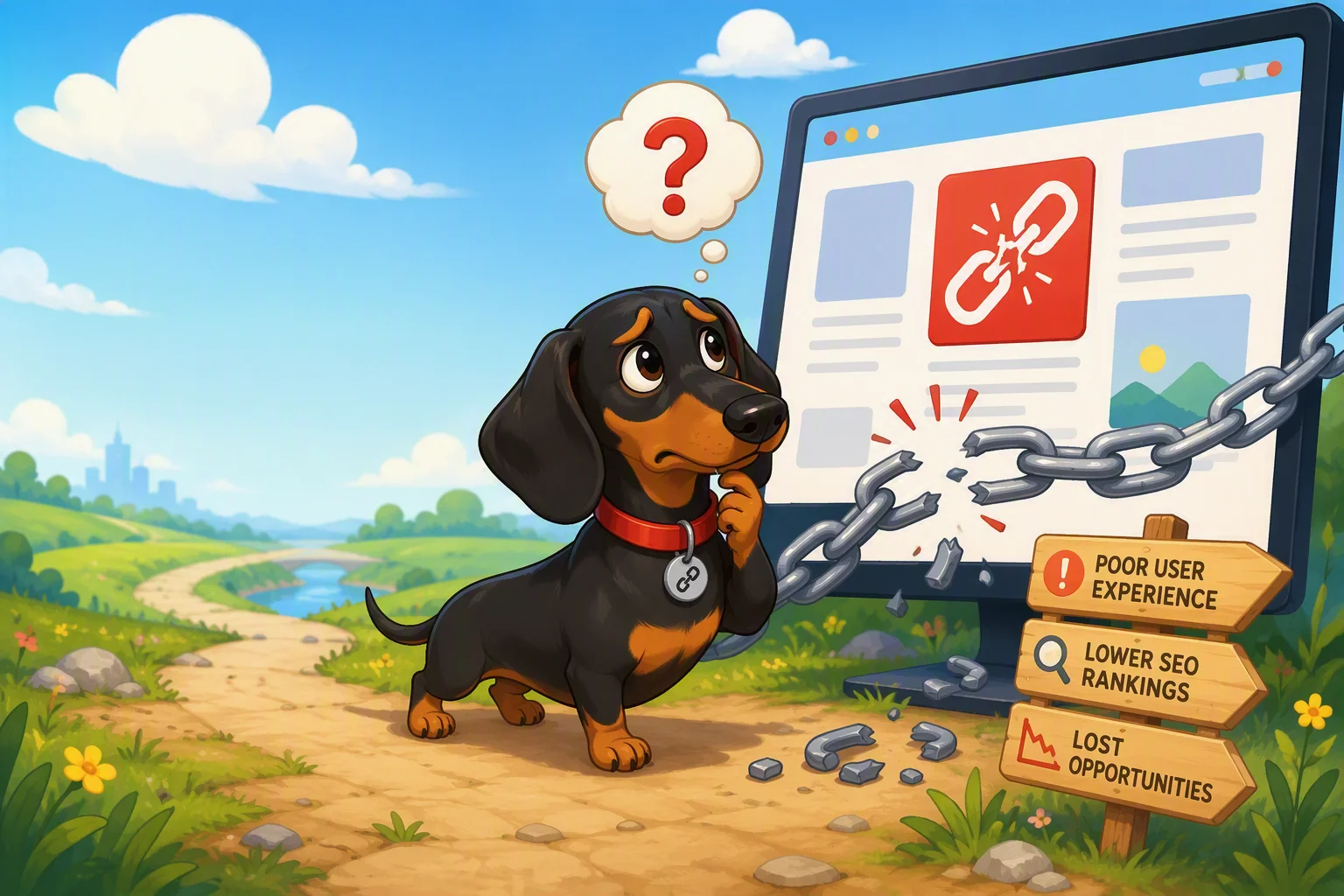
A broken link is any link on your website that leads nowhere useful: a button that goes to a blank page, a menu item that shows an error, or a link to another site that no longer exists. They matter because every broken link is a small failure moment for whoever clicked it, and search engines notice those failures too. A site with a lot of broken links looks neglected, both to visitors and to Google, and that costs you trust, traffic, and eventually customers.
What exactly counts as a broken link?
A link is broken when clicking it doesn't take you where it's supposed to. The most common version is the classic "404 error," which just means the page that used to be there is gone. This happens more often than people expect: you rename a page, delete an old blog post, or restructure your site's menu, and suddenly every link pointing to that old address leads to a dead end.
There are a few other flavors worth knowing about. A link can point to an outside website that has shut down or moved. It can point to an image file that was deleted, leaving an ugly broken-image icon on your page. Or it can be a simple typo: someone typed "yoursite.com/contct" instead of "yoursite.com/contact," and now that link goes nowhere at all. None of these require anything dramatic to happen. Most broken links are the result of small, everyday changes that nobody double-checked afterward.
Why do broken links actually hurt your website?
They hurt in three specific ways, and it's worth understanding each one so you know what's actually at stake.
Visitors lose trust fast. If someone clicks a link on your homepage and lands on an error page, their first thought usually isn't "oh well, small glitch." It's closer to "is this business still open?" or "can I trust anything else on this site?" A single broken link might be forgiven. A handful of them, especially on important pages like your contact form or pricing, makes visitors assume the whole site is out of date, and they leave rather than dig for the right page themselves.
Search engines read it as a sign of neglect. Search engines like Google send automated programs (often called crawlers or bots) through your site to understand what's on it and decide how to rank it. When those crawlers repeatedly hit dead ends, it signals that the site isn't well maintained. This doesn't tank your rankings overnight, but it works against you over time, especially if broken links are common or sit on pages you actually want people to find.
You lose the value of links pointing to you. If other websites link to a page on your site and you later delete or move that page without redirecting it, that incoming link now leads to a dead end too. Any credibility or traffic that link was sending you simply disappears. This is one of the quieter costs of broken links: you're not just losing visitors who click around your own site, you're wasting the goodwill other sites have already sent your way.
How do you find and fix broken links without a technical background?
You don't need to know any code to deal with this, but you do need a process, because broken links won't announce themselves.
- Check your own navigation and key pages by hand. Click through your menu, footer, and any buttons on your homepage every few months. This catches the most damaging broken links, the ones on pages every visitor sees.
- Use a link checker tool. There are free online tools that will crawl your entire website and list every broken link they find, both internal ones and links pointing to outside sites. Running one of these every month or two takes a few minutes and catches problems you'd never find by clicking around manually.
- Set up redirects when you delete or rename a page. A redirect automatically sends anyone who visits the old address to the new one, so old links (including ones from other websites) keep working instead of dead-ending. If you're building or managing your site on a platform like SimplePath, this kind of redirect and link management is handled through the site's own settings rather than requiring you to touch any code.
- Fix outside links proactively. If you link to another company's page or a news article, check back periodically. Businesses close, articles get taken down, and pages move. A link that worked fine a year ago can be dead today with no warning.
The fix itself is almost always simple once you've found the problem: update the link's address, restore the page if it was deleted by mistake, or remove the link entirely if it no longer serves a purpose.
What's the right next step?
Broken links are one of those problems that's cheap to fix and expensive to ignore. Set a recurring reminder, even just quarterly, to run a link check on your site and click through your main pages yourself. It's a small habit that keeps your site looking cared for, which is exactly what builds trust with both visitors and search engines over time.
Drafted with SimplePath's own AI blog, then updated and published by David before it went up. It's the same tool included with the Grow plan. See how it works.