Can you move your website to a different platform later
September 11, 2026 · Getting Online · David Semones
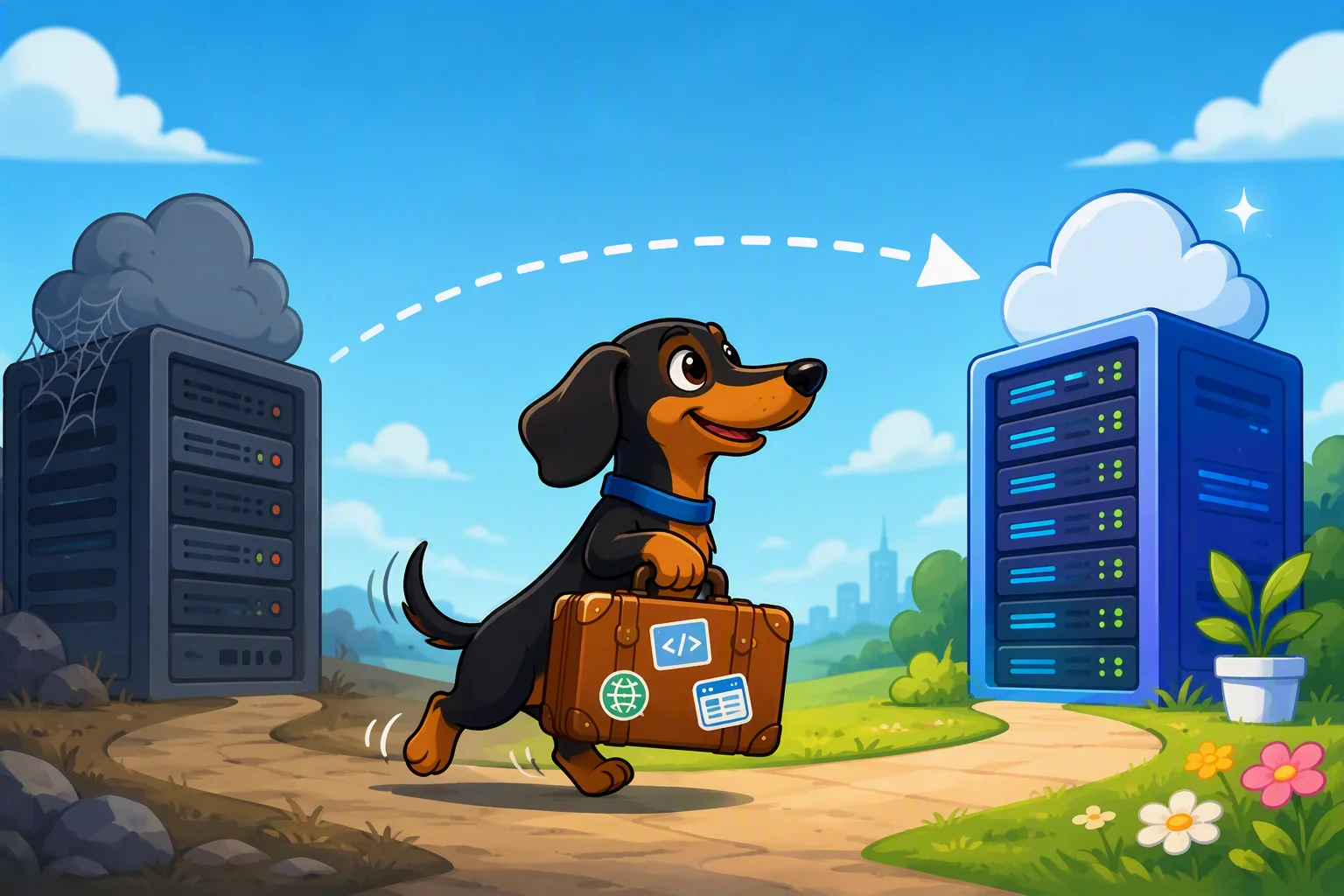
Yes, you can move your website to a different platform later. Nothing locks you into one builder or host forever. But the honest answer has a second half: how easy that move turns out to be depends almost entirely on decisions you make on day one, long before you're ready to switch. Some platforms hand you your content in a form you can carry anywhere. Others quietly bury it in a format only they understand, and pulling it out later can mean rebuilding from scratch.
If you're just getting your business online for the first time, this is worth thinking about now, not after you've spent a year building up pages, photos, and a domain people recognize.
What actually moves with you, and what doesn't
When people worry about "switching platforms," they're usually worried about three separate things, and they don't all behave the same way.
Your domain name (the address, like yourbusiness.com) is yours. You register it, you renew it, and you can point it at any website you want, whenever you want. This is the one piece that almost always moves cleanly, as long as you kept control of the domain registration yourself rather than letting someone else own it on your behalf.
Your content (the words, images, and pages) is where things get messier. Some platforms let you export your pages as standard files that any other system can read. Others store your site in a proprietary format built only for their own editor, which means moving it means retyping and re-uploading everything by hand.
Your search ranking and reviews are the trickiest of all. Google doesn't rank a domain forever just because it used to rank well. When you rebuild a site, even on the same domain, you can lose some of the trust you built up if the move isn't handled carefully, like keeping the same page addresses (URLs) or setting up redirects from old pages to new ones.
Why some platforms make this harder than it needs to be
Plenty of website builders are designed to make leaving inconvenient. It's not usually stated outright, but the pattern is common: you can add pages easily, but there's no real "export everything" button. Your site lives entirely inside their editor, using their code, on their servers. If you stop paying, the site disappears. If you want to leave, you're often starting over.
This isn't necessarily a scam, it's just a business model. A platform that makes switching painful keeps more customers, whether or not those customers are happy. The problem is that a small business owner rarely finds this out until the moment they actually try to leave, which is the worst possible time to discover it.
The way to protect yourself is to ask this question before you build anything: if I wanted to leave in two years, what would I actually be able to take with me? A platform that can give you a clear, specific answer (not "it depends" or "contact support") is one worth trusting with your business.
How SimplePath handles this
SimplePath is built with the assumption that businesses grow and needs change, so your site shouldn't feel like a trap. It uses standard web technology under the hood rather than a closed, proprietary format, which means your content is built the way the rest of the web works, not locked into a system only one company can read. You keep control of your own domain from the start, which is the single biggest factor in a smooth move down the road.
SimplePath's AI-led setup is meant to get a business online quickly without requiring the owner to learn web design first, but "fast to build" and "easy to leave" aren't opposites. A well-built site should be both, and that's the standard worth holding any platform to, SimplePath included.
What to actually do before you commit to a platform
Before you build your site anywhere, spend ten minutes checking three things: Can you export your content in a standard format? Do you fully own and control your domain registration, separate from the hosting? And is there a plain answer, in writing, to what happens to your site if you cancel?
If the answer to all three is yes, you're in good shape wherever you build. If any answer is vague, treat that as your warning sign now, while it costs you nothing, rather than in a year when it might cost you your whole site.
The real takeaway is simple: you're never permanently stuck, but a little care up front turns "moving my website" from a rebuild into a routine update.
Drafted with SimplePath's own AI blog, then updated and published by David before it went up. It's the same tool included with the Grow plan. See how it works.