What is web hosting?
September 10, 2026 · Getting Online · David Semones
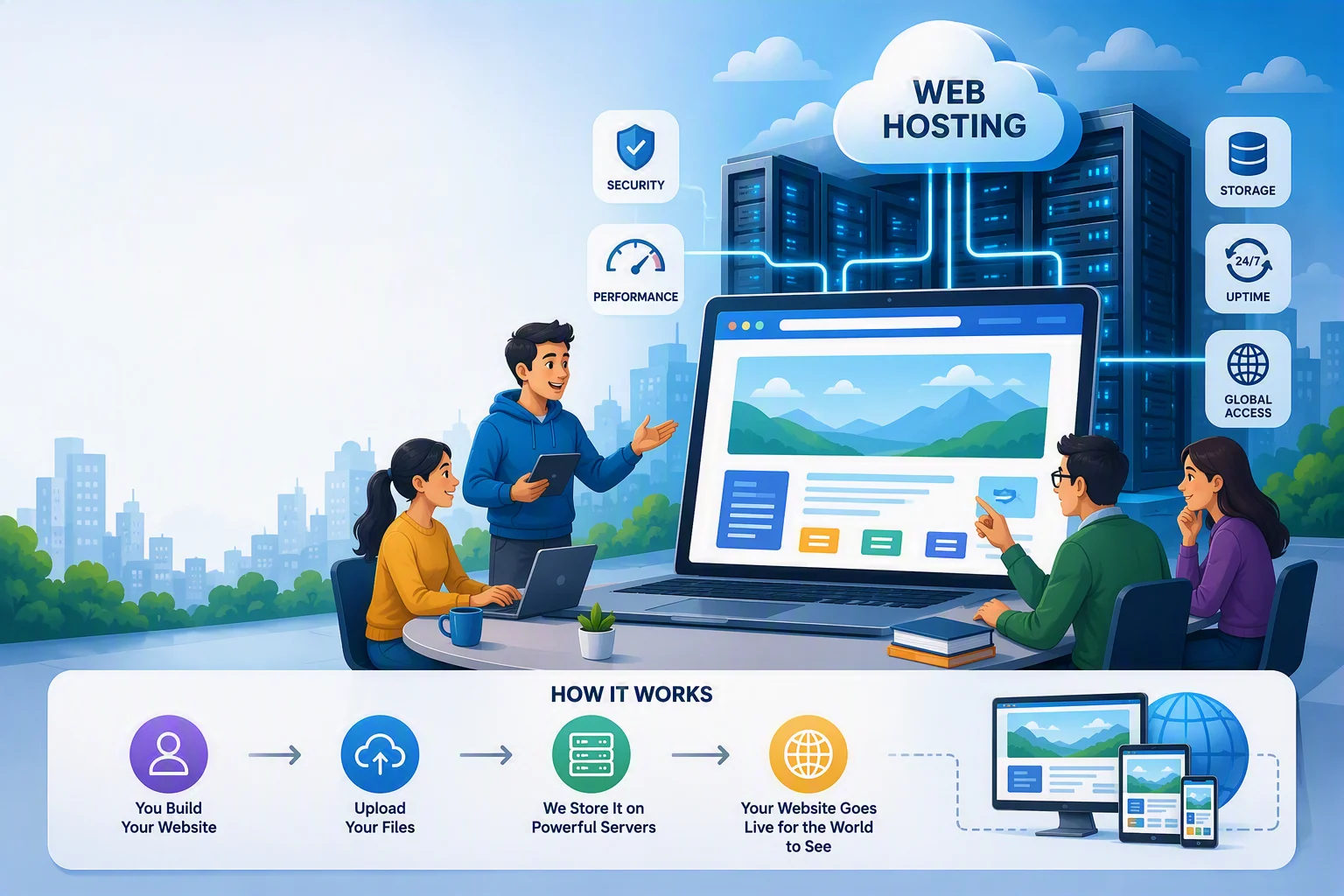
Web hosting is the service that stores your website's files on a computer, called a server, that stays connected to the internet around the clock. When someone types your web address into their browser, that computer hands over your pages so the visitor can see them. That's the whole idea. You're renting space and a connection, the same way you might rent a storage unit, except this storage unit is open to the entire internet all day and night.
If you've never had to think about this before, that's normal. Most people who want a website care about what it says and how it looks, not about the machinery behind it. But knowing the basics helps you make better decisions and avoid paying for more (or less) than you actually need.
What actually happens when someone visits your site
Every website is made up of files: text, images, code that arranges everything. Those files have to live somewhere. Hosting is that "somewhere." Here's the sequence, step by step:
- You (or your website builder) upload your site's files to a server.
- Someone types your web address (like yourname.com) into a browser.
- The browser asks a directory system called DNS, "which server has this address?"
- DNS points to your host's server, and the server sends back your website's files.
- The visitor's browser puts those files together into the page they see.
This all happens in a second or two, sometimes less. The speed of that handoff depends heavily on the quality of your hosting, which is why cheap or overloaded hosting can make a perfectly good website feel slow.
The main types of hosting, and what they mean for you
Hosting comes in a few flavors, and the names get thrown around without much explanation. Here's what they actually mean:
- Shared hosting: Your site lives on the same server as hundreds of other websites, splitting the cost and the computer's resources. It's cheap and fine for small, low-traffic sites, but if a neighboring site gets a traffic spike or gets hacked, it can sometimes slow yours down too.
- VPS (Virtual Private Server): Still one physical computer shared among others, but split into separate, walled-off sections so you get a guaranteed slice of power. More reliable than shared, more expensive too, and it usually requires someone who knows how to manage a server.
- Dedicated hosting: An entire physical server just for your site. Fast and powerful, but overkill and expensive for most small businesses or personal sites.
- Cloud hosting: Instead of one computer, your site runs across a network of them, so if one has a problem, another picks up the slack. This is what most modern, reliable hosting is built on today.
- Managed hosting: Any of the above, but with a company handling the technical upkeep, backups, security updates, and troubleshooting for you. You focus on your site's content; they focus on keeping the lights on.
The rule for choosing: if you don't want to think about servers, security patches, or traffic spikes, managed or cloud hosting is worth paying more for. If you're technical and want full control, VPS or dedicated hosting gives you that, at the cost of your own time.
What actually matters when you're picking a host
Ignore the marketing terms and focus on four things:
- Uptime: This is the percentage of time your site is actually reachable. Look for hosts that guarantee 99.9% uptime or better. Anything less and you'll notice real, visible outages.
- Speed: A slow-loading site frustrates visitors and hurts how well you show up in search results. Good hosting keeps pages loading in a couple of seconds or less.
- Support: When something breaks, and eventually something will, you want a real person you can reach quickly, not a ticket that sits for days.
- Backups and security: Your host should be automatically backing up your site and patching security holes. If it doesn't, one hack or one mistake can wipe out everything.
If a hosting plan can't answer these four questions clearly, that's a sign to keep looking.
How SimplePath fits into this
This is exactly the part most people don't want to manage themselves, and it's why SimplePath builds hosting into the platform rather than treating it as a separate purchase or decision. When you build your site with SimplePath, your hosting, backups, security updates, and speed are handled as part of the same service. You don't need to compare hosting companies, understand server types, or figure out what a VPS is. That work happens behind the scenes, so your time goes into your content and your business instead of your infrastructure.
The takeaway is simple: hosting is just the always-on computer that keeps your site available. What matters is choosing a setup where reliability, speed, and security are handled well, whether that means researching hosts yourself or using a platform where it's already built in. If you'd rather skip the research and get straight to building your site, that's the path SimplePath is built for.
Drafted with SimplePath's own AI blog, then updated and published by David before it went up. It's the same tool included with the Grow plan. See how it works.