How to tell if an AI built your website or a person did
November 2, 2026 · Vibe Coding · David Semones
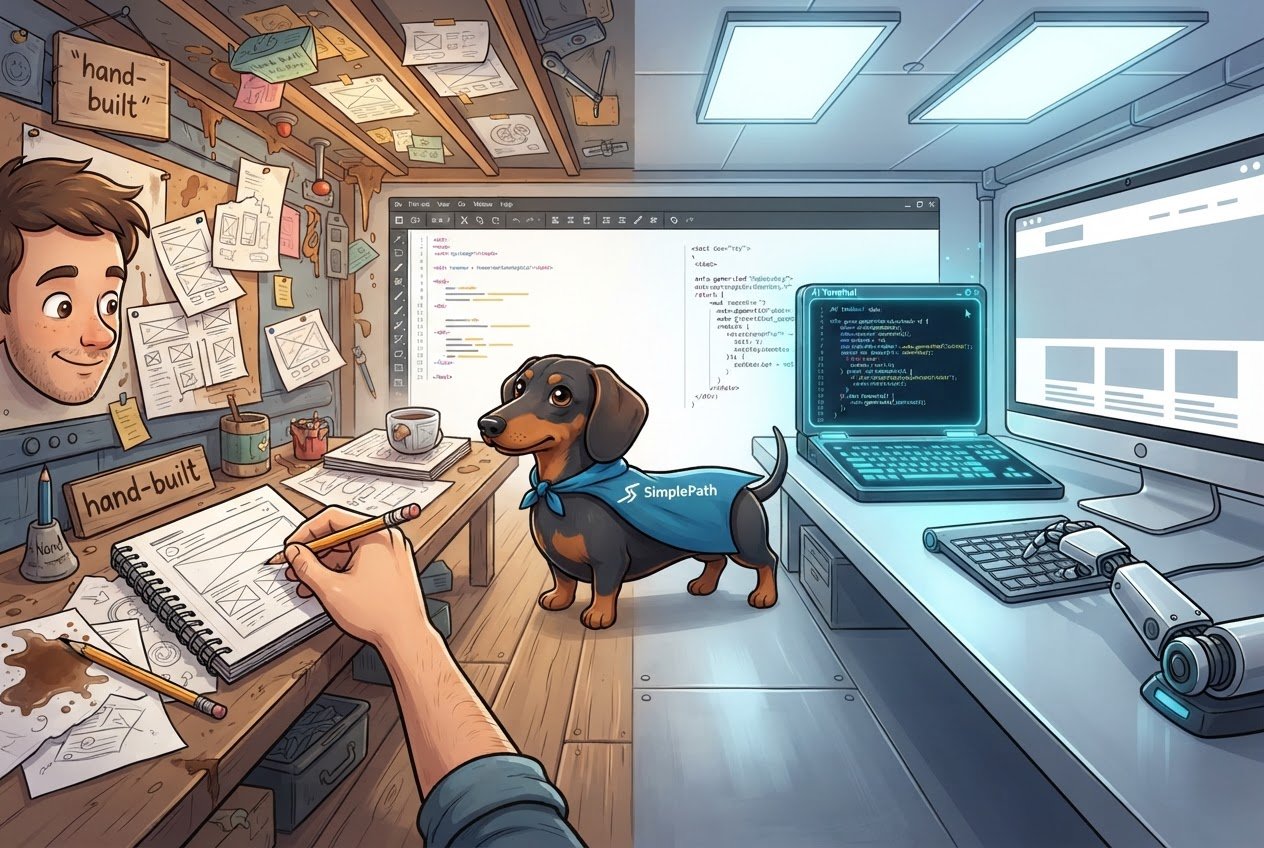
Most of the time you can't tell for certain from the finished site, because a good AI-built site and a good human-built site look alike. What you can spot are clues: generic wording, details that could belong to any business, and a layout that feels like a template. And the better question is usually not who built it, but whether it does its job.
Here's how to read those clues, what doesn't actually prove anything, and what to check instead.
What gives it away in the writing and the details
The text is the biggest tell. Read the homepage out loud and ask whether it could be swapped onto a competitor's site without anyone noticing.
- Vague, polished phrases. Lines like "we're passionate about delivering quality service" say nothing. They show up on sites written by AI and on sites written by tired humans at midnight.
- Everything is evenly balanced. Three benefits, three short paragraphs, a neat summary at the end, on every page. Real people tend to be lopsided about the things they care about.
- No real specifics. No street names, no staff names, no prices, no story about how the business started. When an AI isn't given those details, it fills the gap with general statements.
- Leftover placeholders. Phone numbers like 555-0100, a "Your Business Name Here" in the footer, or a testimonial from "Happy Customer." These happen when nobody reviewed the site before publishing.
- Stock-looking images. Smiling people at a laptop, a handshake over a desk. This is a sign of a template or a rushed build, not necessarily AI.
Notice that most of these are signs of unreviewed work. That matters, and we'll come back to it.
Quick checks anyone can do in five minutes
You don't need to know anything about code. Try these in order:
- Look at the footer. Many builders, AI-powered or not, add a small "made with" credit at the bottom. Agencies often add theirs too.
- Check the about and contact pages. Is there a real address, a real person, a real photo? Those usually take a human to supply, whoever built the pages.
- Open it on your phone. Tap the menu, scroll, fill in the contact form. Odd spacing, buttons that don't work, or text that runs off the screen suggest nobody tested it.
- Compare two or three pages. If every page has the same structure and the same sentence rhythm, it was probably generated in one pass.
- Just ask. If it's your site and you hired someone, ask how it was made. If it's someone else's, the About or Contact page usually gets you a straight answer.
If you want a more objective read, run the address through our free website grader. It scores an existing site, which tells you how well it's doing even if it can't tell you who made it.
The clues that don't prove anything
A few things people point to turn out to be unreliable.
Speed. A site that went up in an afternoon could be AI-built, or a person using a template. Slow doesn't mean human either.
Clean design. Plenty of AI-built sites look sharp, and plenty of hand-built ones look dated. Looks don't settle it.
Perfect spelling. Spell-check has been around for decades. A typo points to a human, but its absence means nothing.
"AI detector" tools. These guess based on patterns in the text, and they're often wrong in both directions. Edited AI text can pass as human, and plain human writing can get flagged. Treat their verdicts as a hint at most.
Does it matter who built it?
For most people, not much. What matters is whether the site is accurate, easy to use, and clearly about your business. A person can build a bland, confusing site, and an AI can produce a sharp one when it's given good information and someone checks the result.
The pattern that actually causes trouble is the one from earlier: nobody added real details, and nobody reviewed the result. That's true of both kinds of builds. The fix is the same too. Give the builder (human or AI) your real details: what you sell, where you work, what makes you different, and what a visitor should do next. Then read every page before it goes live.
That's the idea behind SimplePath. You describe the site you want in plain language and it builds it, so the quality of what you tell it shows up directly in what you get. You can see the kinds of sites it makes on the products page, including stores, blogs, and member areas. And if you're wondering how it works, the FAQ covers the common questions.
What to do next
Pick the site you're curious about, whether it's yours or a competitor's, and run the five checks above. Then score it with the website grader to see where it's strong and where it's thin. If you're thinking about building or rebuilding your own, start at the SimplePath homepage, or get in touch and ask us anything first.
Drafted with SimplePath's own AI blog, then updated and published by David before it went up. It's the same tool included with the Grow plan. See how it works.