Retargeting visitors who left without buying
October 25, 2026 · Winning Customers · David Semones
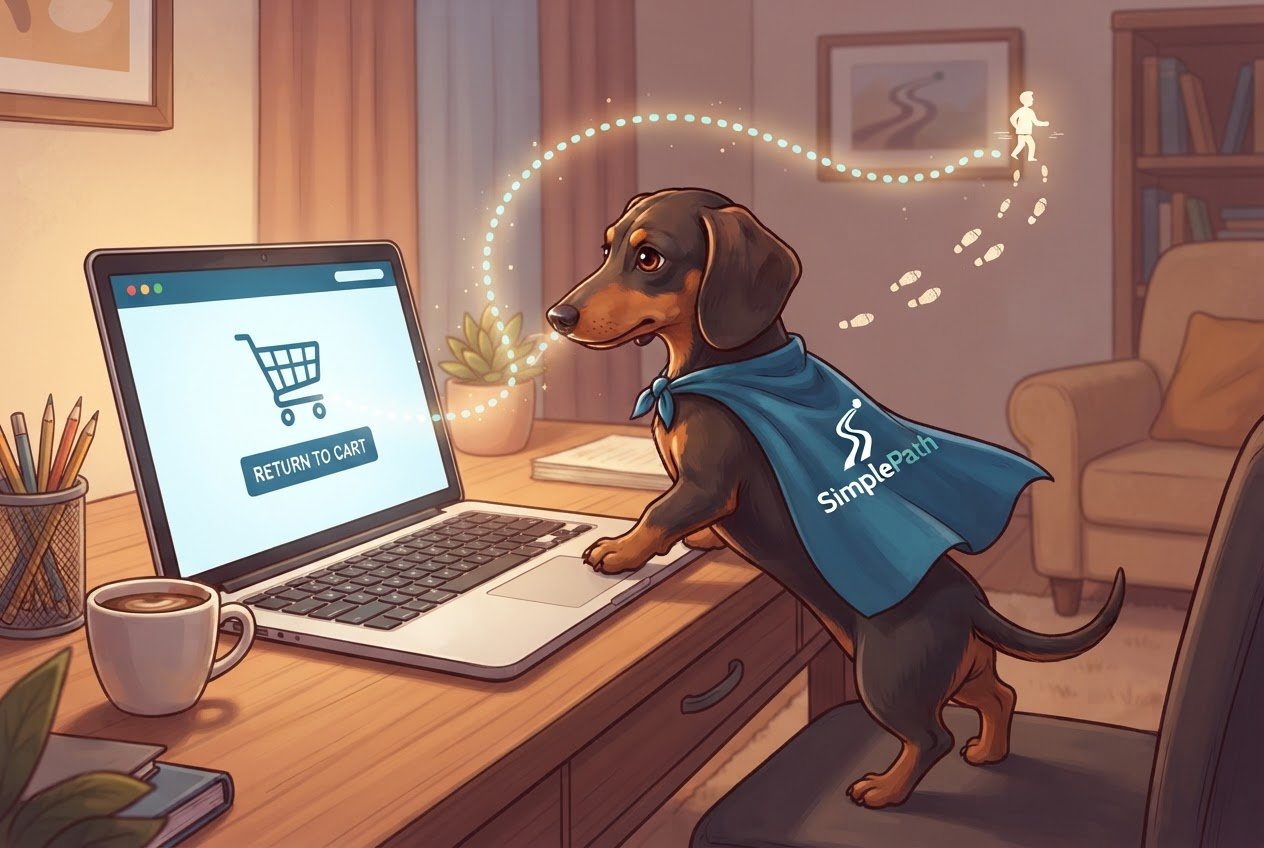
Retargeting is a way of reminding people who already visited your website about what they looked at, using ads or email, so they have an easy reason to come back. You add a small piece of tracking code to your site, group visitors by what they did (looked at a product, started checking out, read your pricing), and show each group a short, relevant message. It works because these visitors already know you exist. That makes them far warmer than a stranger who has never heard of you.
If that sounds like a lot of moving parts, it's really three: a tracker, a list, and a message. Here's how each one works.
How does retargeting actually work?
When someone visits your site, a tiny snippet of code (often called a pixel) can note that the visit happened and leave a small file in their browser called a cookie. You don't see the person's name. The ad platform, like Google or Meta, simply recognizes that same browser later and can show your ad to it while the person scrolls social media or reads a news site.
To set it up, you need three things:
- An account on an ad platform. Google Ads and Meta Ads are the usual starting points. Each gives you a pixel or tag to copy.
- The snippet installed on your site. Most website builders have a spot to paste it once, and it then runs on every page. If you're building a new site, check where this goes before you launch. A site made with SimplePath, where you describe what you want and it builds the pages, can be set up the same way as any other: decide up front which pages matter for tracking (products, cart, pricing). You can see the kinds of sites it makes on the what SimplePath can build page.
- An audience. This is just a saved group of visitors, such as "people who viewed a product in the last 14 days."
Platforms generally need a few hundred visitors in a group before they'll show ads to it, so a brand-new site may need to collect traffic first.
Which visitors should you retarget, and what should you say?
Don't treat everyone who left as one crowd. Split them by how close they got to buying, then match the message to that point. Here's a simple rule: the closer to the finish line, the shorter the window and the more direct the message.
- Started checkout but didn't finish. These are your best prospects. Retarget for about 3 to 7 days. Say something plain: "You left something in your cart. It's still here when you're ready." If shipping costs or a surprise fee probably scared them off, say what's included.
- Viewed a specific product or service. Retarget for about 14 days. Show that exact item, plus one reason to choose it: a review, a clear benefit, or an answer to a common question.
- Looked at your pricing page. They're comparing options. Retarget for up to 30 days with a message that clears up doubts, like what each plan includes or who to ask. Linking to a frequently asked questions page works well here, because it answers the questions that stall people.
- Only read a blog post. They're interested but early. Skip the hard sell. Offer something useful, like a related guide or a free tool.
Always exclude people who already bought. Few things look sloppier than an ad for something you purchased yesterday.
Should you use ads or email?
Use email first if you have the person's address. Use ads for everyone else.
If a visitor typed their email at checkout or signed up for a newsletter, a reminder email is cheaper than ads and feels more personal. Send the first one within a few hours, a second the next day, and stop at a third. Keep each short, with one button that returns them to the exact page they left.
Most visitors never give you an email, though, and that's where ads come in. Ads reach people you can't otherwise contact, but you pay for each view or click, so keep your audiences small and specific rather than broad.
What mistakes make retargeting backfire?
- Showing the ad too often. Seeing the same ad ten times a day feels like being followed. Set a frequency cap (a limit on views per person) of roughly three to five a week.
- Running it forever. If someone hasn't come back in a month, they've moved on. End each audience when its window closes.
- Sending people to your home page. Link to the page they were looking at. Every extra click loses someone.
- Skipping the privacy basics. Tracking visitors usually requires telling them. Add a cookie notice that lets people opt out, and check the rules for the places your visitors live.
- Fixing the ad when the site is the problem. If people leave right away, a slow or confusing page may be the cause. A free tool like the website grader can score your existing site and point out weak spots before you spend on ads.
Your next step
Start small. Pick one audience, the people who began checkout or viewed a product, install the tracking snippet, and write one clear reminder. Give it a couple of weeks, then look at how many came back. If you'd like help getting a site ready for this, or you're comparing plans, see what each plan includes or get in touch with us.
Drafted with SimplePath's own AI blog, then updated and published by David before it went up. It's the same tool included with the Grow plan. See how it works.