Scheduled posts and planning content months ahead
November 5, 2026 · Running Your Site · David Semones
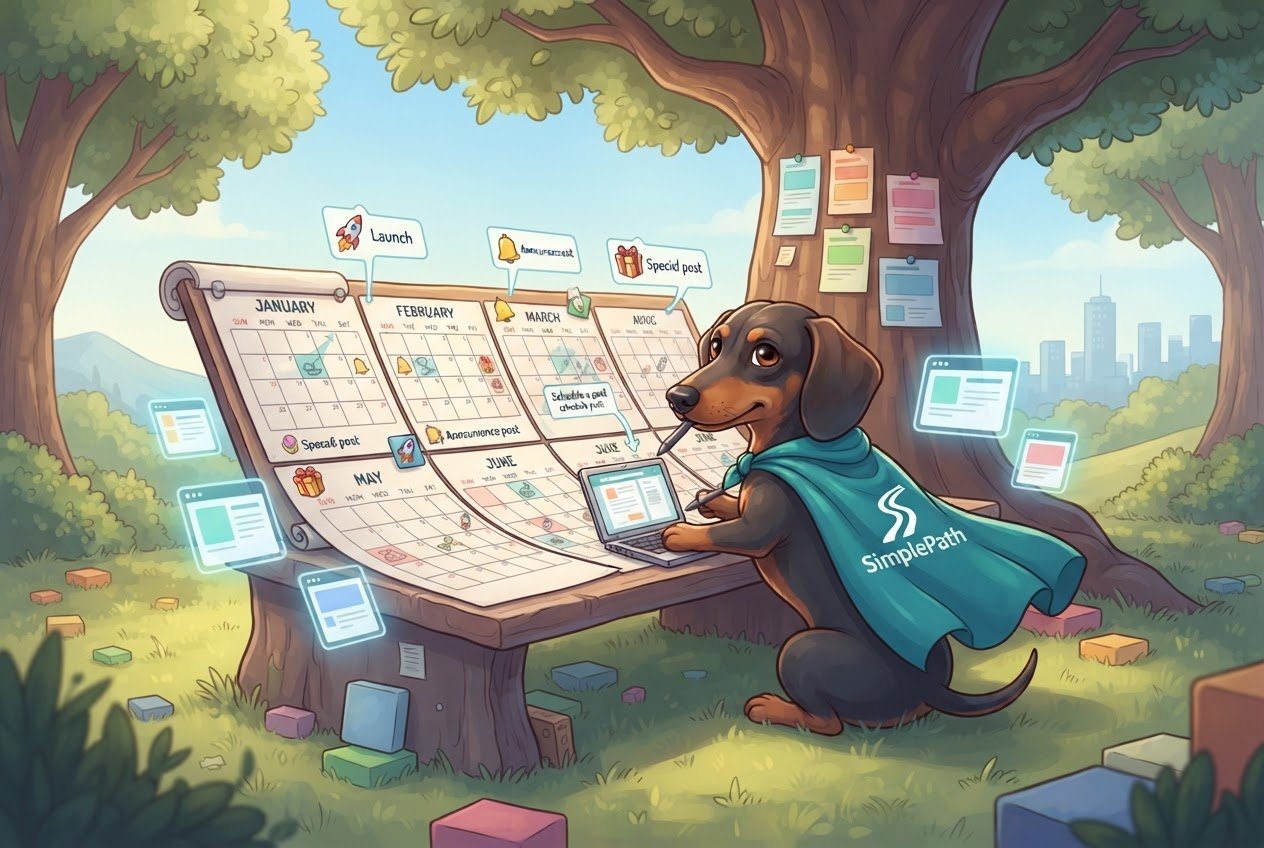
A scheduled post is a blog post you write now and set to go live on a future date and time, and the easiest way to use it is to plan about three months of topics and keep four to eight weeks of finished posts in the queue. That gives you a steady stream of fresh content without having to sit down and write every single week.
If you're new to running a website, here's the friendly version of how it all works.
What is a scheduled post, and why bother?
When you publish a post, it appears on your site right away. When you schedule one, you pick a date and time, and the site publishes it for you. You can be on vacation, asleep, or busy with customers, and the post still goes out.
There are three good reasons to do it:
- Consistency. Search engines like Google, and the AI assistants that answer people's questions, tend to favor sites that are active and kept up to date. A site that posts twice a month for a year looks healthier than one that posts ten times in a week and then goes quiet.
- Batching. Writing four posts in one afternoon is usually faster than writing one post on four separate afternoons, because you only have to get into the writing mindset once.
- Less pressure. A busy week no longer means a missed post.
Visitors don't care whether you wrote a post this morning or two months ago. They care that the page is useful and that your site looks alive.
How far ahead should you plan?
Plan topics about three months out, and write posts about four to eight weeks out. Those are two different horizons, and mixing them up is where people get stuck.
Topics, three months ahead. This is just a list of titles with a rough date beside each. It takes a short sitting and it's easy to change. Three months is far enough to see seasonal needs coming (a tax-time post, a holiday-hours post, a back-to-school post) but close enough that your list won't go stale.
Finished posts, four to eight weeks ahead. This is your safety cushion. If you fall sick or a big job lands on your desk, nothing on the site changes.
Here's the rule for deciding how big your cushion should be: if you publish weekly, aim for four posts banked. If you publish twice a month, aim for two to three. If your life or business is unpredictable, go toward eight weeks. Don't plan a full year of finished posts. Your business will change, and old drafts can end up saying things that are no longer true.
How do you build a three-month content plan?
You don't need special software. A spreadsheet or a notebook page works. Here's a simple way to do it:
- Collect real questions. Write down what customers ask you by phone, email, or in person. Each question is a post. People type those same questions into Google and into AI assistants, so answering them plainly is how you get found.
- Pick a rhythm you can keep. Twice a month beats weekly if weekly means you'll quit in March. Choose the pace you can hold when you're tired.
- Fill in the calendar. Give each question a publish date. Put time-sensitive topics first and tie seasonal ones to the right week.
- Leave gaps. Keep one slot a month empty for news, a new service, or something that just came up.
- Write in batches. Set aside a block of time once or twice a month, write two or three posts, and schedule them.
- Check your calendar monthly. Look at what's queued, move things around, and add the next month's topics.
If you're building your site with SimplePath, an AI-led website builder where you describe what you want and it builds it, a blog is one of the things you can ask for. You can see the kinds of sites it makes on the what SimplePath can build page. For specifics on how publishing works on your plan, the frequently asked questions are the place to check.
What shouldn't you schedule, and what needs a check-up?
Scheduling is great for evergreen posts, meaning ones that stay true for a long time, like how-to guides, answers to common questions, and explainers. It's a poor fit for anything that could be wrong by the time it goes out.
- Prices, hours, and offers. If you scheduled a post in January mentioning a rate that changes in March, visitors will see old information.
- News and current events. Write these the day you need them.
- Anything tied to a deadline you might miss. If a sale gets cancelled, a scheduled post can still announce it.
Then make a habit of one quick monthly check: open your scheduled list, read the titles, and ask whether each is still accurate. Edit or delete anything that isn't. It takes ten minutes and saves you from the most common scheduling mistake, which is setting posts and forgetting them.
Your next step
Open a blank page and write down ten questions your customers have asked you. That's your first month or two of topics. If you'd like a read on how your current site is doing before you plan more content, the free website grader will score it. And if you have questions about setting up a blog, you can always get in touch with us.
Drafted with SimplePath's own AI blog, then updated and published by David before it went up. It's the same tool included with the Grow plan. See how it works.