How to get custom features from an AI website builder
November 14, 2026 · Vibe Coding · David Semones
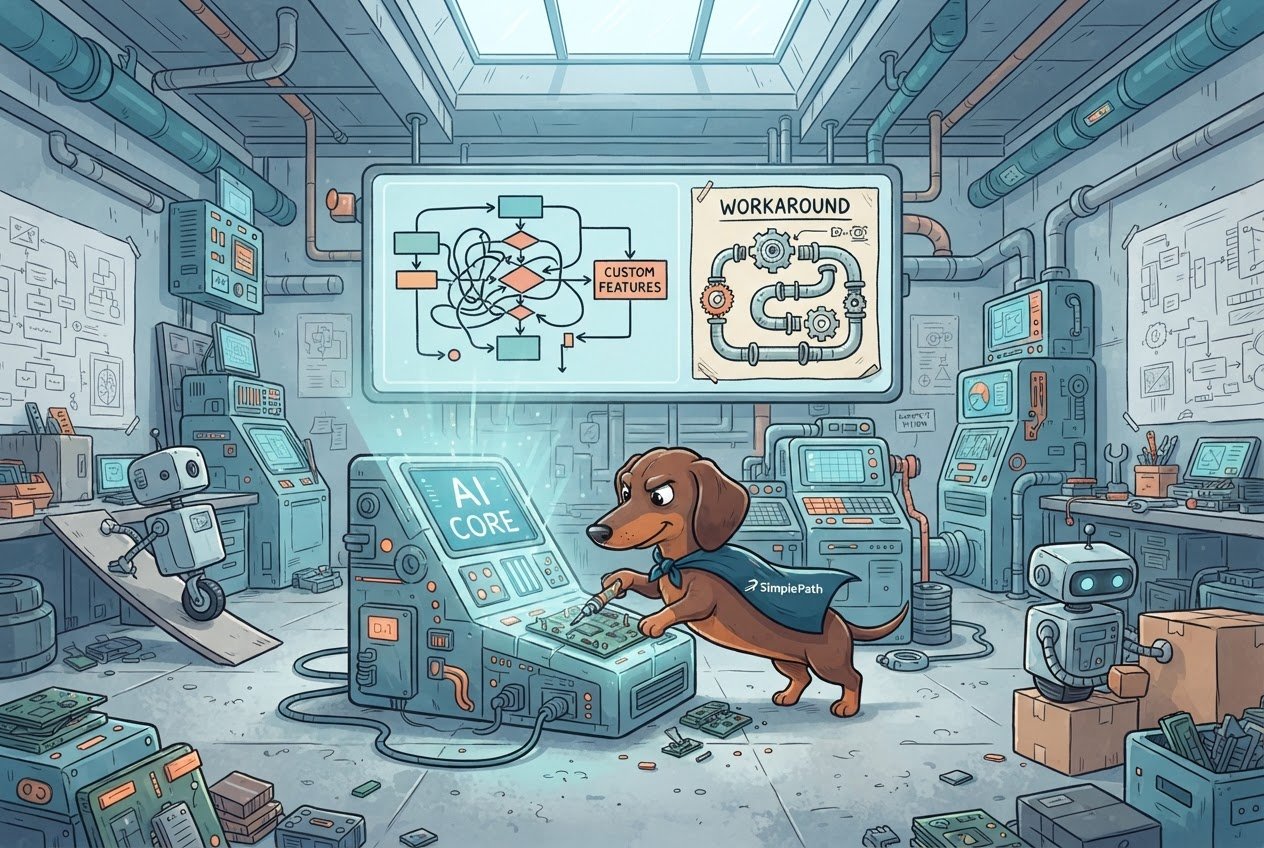
AI website builders are very good at the common stuff (pages, contact forms, blogs, product listings), and they can build unusual things too, like a one-of-a-kind booking system or a custom pricing calculator. Those just take more from you: a clearer description and a few more rounds. The approach is almost always the same: break the idea into smaller, familiar pieces, describe the result you want instead of how it should work, and add the truly custom part last.
If you've never built a website, that probably sounds abstract. So here's what it looks like in practice, using plain language and no jargon.
Where AI website builders need more from you
With a tool like SimplePath, you describe the website you want and it builds it. That works well because most websites are made of the same building blocks. A home page, an about page, a gallery, a store, a blog. The AI has seen countless examples of these, so it knows what you mean when you ask for one.
A request takes more care when it doesn't follow a familiar pattern. A few examples:
- Custom calculations. A quote tool that works out a price from six different inputs and your own formulas.
- Unusual logic. "If a member signed up before March and bought two items, show them a different page."
- Connections to other software. Linking your site to an old inventory system or a niche industry tool. These connections are called integrations, and each one has its own rules.
- Exact visual details. Pixel-perfect layouts or animations that behave a very specific way.
All of these can be built. People have used SimplePath to make sites with member sign-in, a real database, online payments, and even small web apps. They're just the places where the first attempt is least likely to match what you pictured, so plan on a round or two of adjusting.
Why custom features are harder for AI
It comes down to two things: clarity and precedent.
Clarity. When you say "add a contact form," there's almost nothing to misread. When you say "add a smart scheduler that works like the one at my old gym," the AI has to guess what that means. Guesses get you something close, not exact.
Precedent. Common features have been built many times, in many ways, so the result is dependable. A feature nobody has built quite like yours has no template to lean on. The AI has to piece it together from scratch, and the more pieces involved, the more chances for one to be slightly off.
There's also a practical point. Some custom features need information the AI can't see on its own, such as how your other software stores its data. Give it that information and it has something to work with.
Workarounds that actually help
Here's what tends to work, roughly in the order you should try it.
- Describe the outcome, not the mechanism. Instead of explaining how a feature should work behind the scenes, say what a visitor should see and do. "A visitor picks a date and time, enters their name and email, and I get an email" beats a technical description every time.
- Build in small steps. Ask for the simplest version first. Get that working, then add one change at a time. If something breaks, you know exactly which request caused it.
- Use a standard feature as a stand-in. A fancy quote calculator can start life as a simple form that asks the right questions and emails you the answers. You do the math by hand at first. That's a perfectly good way to find out whether customers even use it.
- Give an example in words. If you want something that works like another site, describe what it does step by step rather than just naming the site.
- Check what's already included. Many "custom" ideas are really standard features under a different name. A member login, an online store, or a blog are all things SimplePath can already build, so look there before assuming you need something special.
- Keep the custom part separate. If one feature truly needs specialized work, build the rest of the site first. You don't want the whole project waiting on its hardest piece.
How to decide: keep going, simplify, or ask for help
Use these rules.
- If you can explain the feature in two or three plain sentences, keep going. Describe it, test it, and adjust.
- If you've tried the same request three times and the result is still off, stop rewording. Simplify the request or swap in a standard feature for now.
- If the feature depends on another piece of software, check whether that software offers a simple way to connect before you build anything. Without that, the AI has nothing to attach to.
- If the feature is central to your business and has to be exactly right, ask a person before you spend more time. If you're building with SimplePath, that's our team: get in touch and tell us what you need.
Also, test everything yourself before visitors do. Click every button, fill out every form, and try it on your phone. A custom feature is the one part of a site only you can truly judge, and a two-minute test confirms it does what you meant.
Your next step
Write down the feature you want in plain sentences, then split it into the simplest version and the "nice to have" version. Build the simple one first. If you're not sure whether something is possible, the frequently asked questions are a good first stop, and if your idea is truly unusual, you can get in touch with us and ask before you invest more time.
Drafted with SimplePath's own AI blog, then updated and published by David before it went up. It's the same tool included with the Grow plan. See how it works.