Why a free website builder might actually cost you more
November 9, 2026 · Getting Online · David Semones
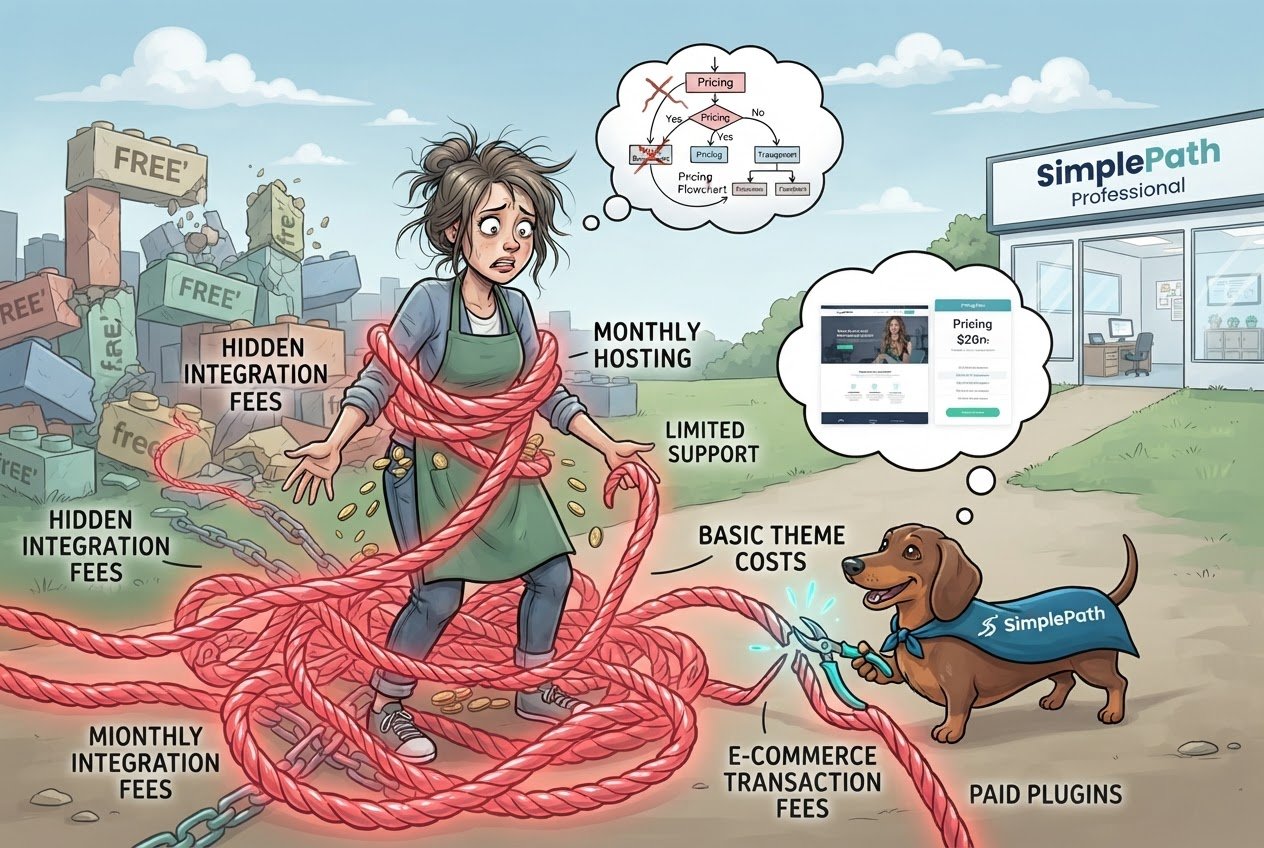
A free website builder can cost you more because the free plan rarely covers what a real site needs. The money shows up later, as upgrades you didn't plan for, hours spent working around limits, and a rebuild if you outgrow the platform. Free is fine for some jobs. For a business that needs customers to find it and trust it, it's usually a trial, not a plan.
Where the costs hide on a free plan
Free plans are built to get you started, and the paid plans are where the company makes its money. So the things most people need tend to sit just behind the paywall. Here are the usual ones:
- Your own web address. A free site often lives at something like yourbusiness.somebuilder.com. A custom address (called a domain, like yourbusiness.com) usually needs a paid plan. A borrowed address looks less established, and it's harder for people to remember or type correctly.
- The builder's branding or ads. Many free sites carry a banner or footer promoting the builder. Visitors see that, and it can make a small business look like a side project.
- Limits on pages, storage, or visitors. You hit a cap right when the site starts working.
- Selling features. If you want to take payments, check what's included. Some platforms only allow it on paid plans, and some take a cut of each sale on top.
- Email at your own address. Looking professional with hello@yourbusiness.com is often an add-on.
None of these is outrageous alone. Stack three or four and the free plan becomes a paid plan with a delay and extra steps.
Does a free site hurt your chances of being found?
It can. When people search Google for what you offer, search engines decide which sites to show. The work of helping your site get picked is called SEO (search engine optimization). In plain terms, it means making it clear what your site is about and making it easy for search engines and visitors to use.
Free plans can get in the way in a few ways. A borrowed web address means any reputation you build belongs partly to the builder, not to you. Limited control over page titles, descriptions, and page addresses makes it harder to tell search engines what each page covers. And if a site is slow or awkward on a phone, visitors leave quickly, which doesn't help either.
The same goes for AI assistants, which increasingly answer questions by pulling from websites. They favor sites with clear, specific, well-organized information. A thin site on a free plan, with a few vague pages, gives them little to quote.
Not sure where your current site stands? The free website grader scores an existing site, so you can see what's helping and what's holding it back before you spend anything.
What happens when you outgrow it
This is the cost people feel most. You build on a free platform, put in the hours, write your pages, and collect a few customers. Then you need something it can't do. You go to move, and find that many builders don't let you take your site with you. Your text and photos can be copied over by hand, but the design and setup usually can't. You start from scratch, and the old address that people have bookmarked or found on Google may stop working.
Your time is the real expense here. If you spent twenty hours on a free site and then twenty more rebuilding it, the free plan cost you a weekend and a half, plus whatever business you missed in between.
How to decide if free is right for you
Use this rule: if the site is a hobby, a family page, or a quick test of an idea, free is a sensible choice. If it's meant to bring in customers, treat it as a business expense and compare real costs before you commit.
Before choosing any builder, ask these questions:
- Can I use my own domain, and what does that cost per year?
- Will the builder's ads or branding appear on my site?
- Can I sell things, and does the platform take a cut?
- Can I export my content if I leave?
- Do I have control over what shows up in search results for each page?
If the answers are all yes, no, and no fees, you're in good shape. If you can't find the answers on the plan page, that's worth noting too.
SimplePath takes a different route to the starting problem. You build a website by describing what you want, rather than wrestling with templates and settings. You can see what SimplePath can build, from sites and stores to blogs and member areas, and the pricing page lays out what each plan includes so there are no surprises later. If you're weighing a few options, how SimplePath compares to other website builders is a good place to line them up side by side.
Still have questions about what you'd need? Get in touch and ask. Doing the math now is cheaper than rebuilding later.
Drafted with SimplePath's own AI blog, then updated and published by David before it went up. It's the same tool included with the Grow plan. See how it works.