Plugin updates and which ones actually matter
November 17, 2026 · Running Your Site · David Semones
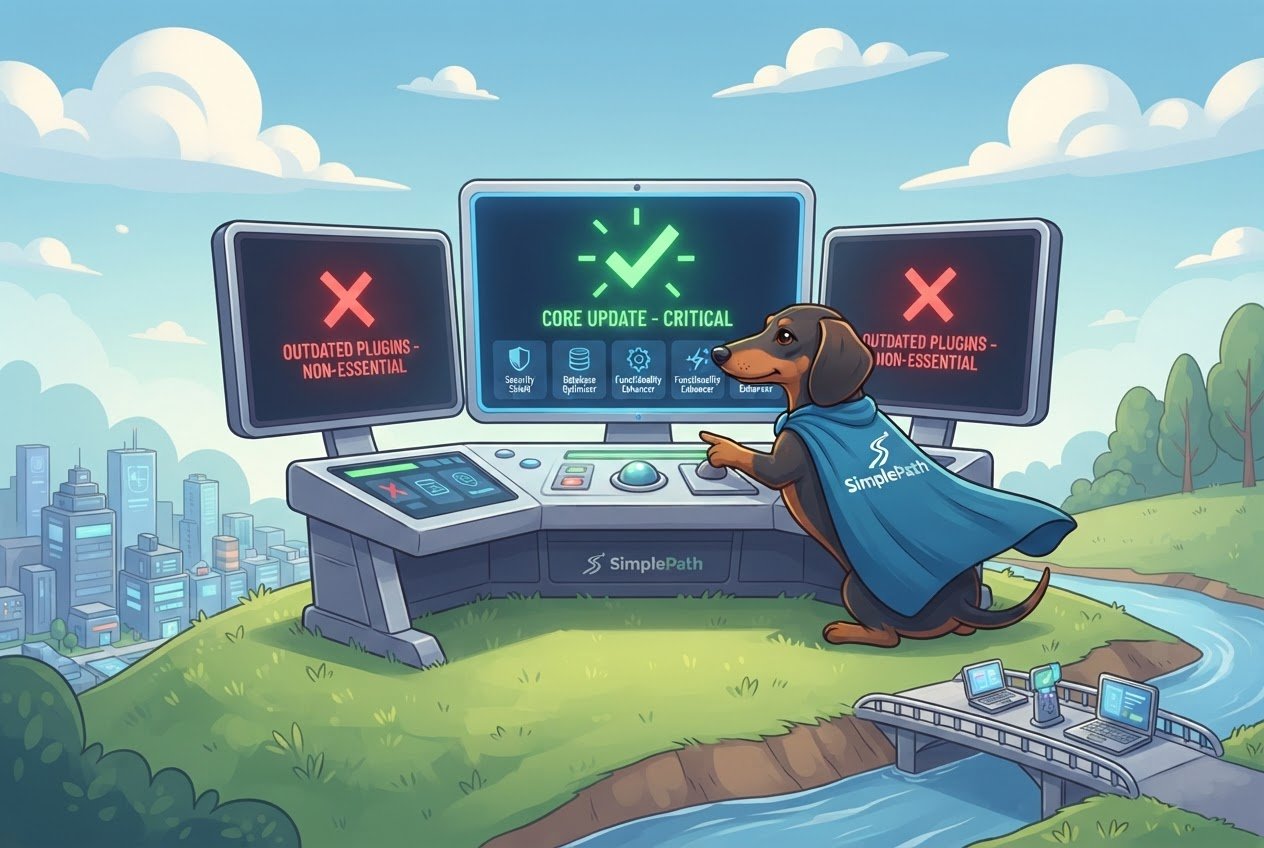
The plugin updates that matter most are security fixes, and updates to any plugin that handles logins, contact forms or payments. Install those within a day or two. Updates that add features or tweak how something looks can wait a week while you check they're safe. Here's how to tell the difference, and how to update without breaking your site.
First, a quick definition. A plugin is a small add-on that gives a website extra abilities, like a contact form, an image gallery or a shopping cart. Some website platforms, WordPress being the best known, rely on plugins for a lot of what they do. Each one is written by a different person or company, and each one needs updating on its own schedule. That's why the pile of update notices grows so fast.
Which plugin updates are urgent?
Three kinds of update should go to the top of your list.
- Anything described as a security fix. The update notes will usually say "security," "vulnerability" or "patched." Once a weakness is published, people start hunting for sites that haven't fixed it yet. Waiting is the risky part.
- Plugins that touch sensitive things. Login and membership tools, payment and checkout plugins, and contact forms all handle information you'd hate to see leaked. A flaw in a gallery plugin is a nuisance. A flaw in a payment plugin is a real problem.
- Plugins that haven't been updated by their maker in a long time. This one isn't an update, it's the lack of one. If a plugin hasn't had a release in a year or more, nobody is fixing its problems. Plan to replace it.
If you only have ten minutes, do those three and leave the rest.
Which updates can wait a few days?
Plenty of updates are about convenience. New settings, a redesigned options screen, support for a feature you don't use, small visual changes. None of these put your site at risk, so you can hold off until you have time to do it properly.
Major version jumps deserve a little patience too. A plugin going from version 2.8 to 3.0 is more likely to change how things work than one going from 2.8 to 2.9. Give it a week, read what changed, and see whether other users are reporting trouble. Then update when you can test the site straight afterward.
Don't let "can wait" turn into "never." Old versions pile up, and skipping several updates makes the eventual jump riskier. A good rule: security fixes within a couple of days, everything else within a month.
How do you update without breaking your site?
Updates occasionally clash with other plugins or with your design. A few habits keep that from becoming a crisis.
- Make sure you have a recent backup first. A backup is a saved copy of your site you can restore if something goes wrong. If you don't know whether you have one, find out before you touch anything.
- Update one plugin at a time. If you update eight at once and the site breaks, you won't know which one did it.
- Check the site right after each one. Load the home page, send a test message through your contact form, and if you sell things, walk through a checkout. Look at it on your phone too.
- Pick a quiet time. Don't update the payment plugin on the morning of a sale.
- If something breaks, roll back. Restore the backup, then check the plugin's support page to see whether others hit the same problem.
Do you need plugins at all?
This is the question underneath all of it. Every plugin is something to watch, update and eventually replace. If most of your time on the site goes to maintenance, that's a sign the setup is working against you.
It's one reason SimplePath works differently. You describe your business in plain English and get a finished, branded website, then grow it with SEO, a blog and a store. There are no plugins, templates or code to manage. When you want a change, you describe it. Contact forms that reach your email, a security certificate, hosting, visitor analytics and an SEO check come with every plan, so they aren't separate add-ons you have to keep current.
Mistakes still happen on any site, so SimplePath saves a version every time you save or publish, and you can restore an earlier one. Data and files are backed up daily. That covers the "what if this goes wrong" worry that makes plugin updates feel so stressful. You can see what SimplePath can build, including stores, blogs and member areas with logins and online payments, without a plugin in sight.
Your next step
If you're running a site on plugins today, open your update list and sort it using the rules above: security fixes and sensitive plugins first, abandoned plugins on a replacement list, the rest on a monthly schedule. If you're not sure how healthy your current site is, the free website grader will score it. And if you'd rather stop thinking about plugins altogether, you can start free, with free credits and 30 days of hosting and no card needed, or get in touch with questions.
Drafted with SimplePath's own AI blog, then updated and published by David before it went up. It's the same tool included with the Grow plan. See how it works.